Logging workouts
The live workout screen is the heart of Forge, and it is built around one goal: between sets, you should be resting, not fiddling with a phone.
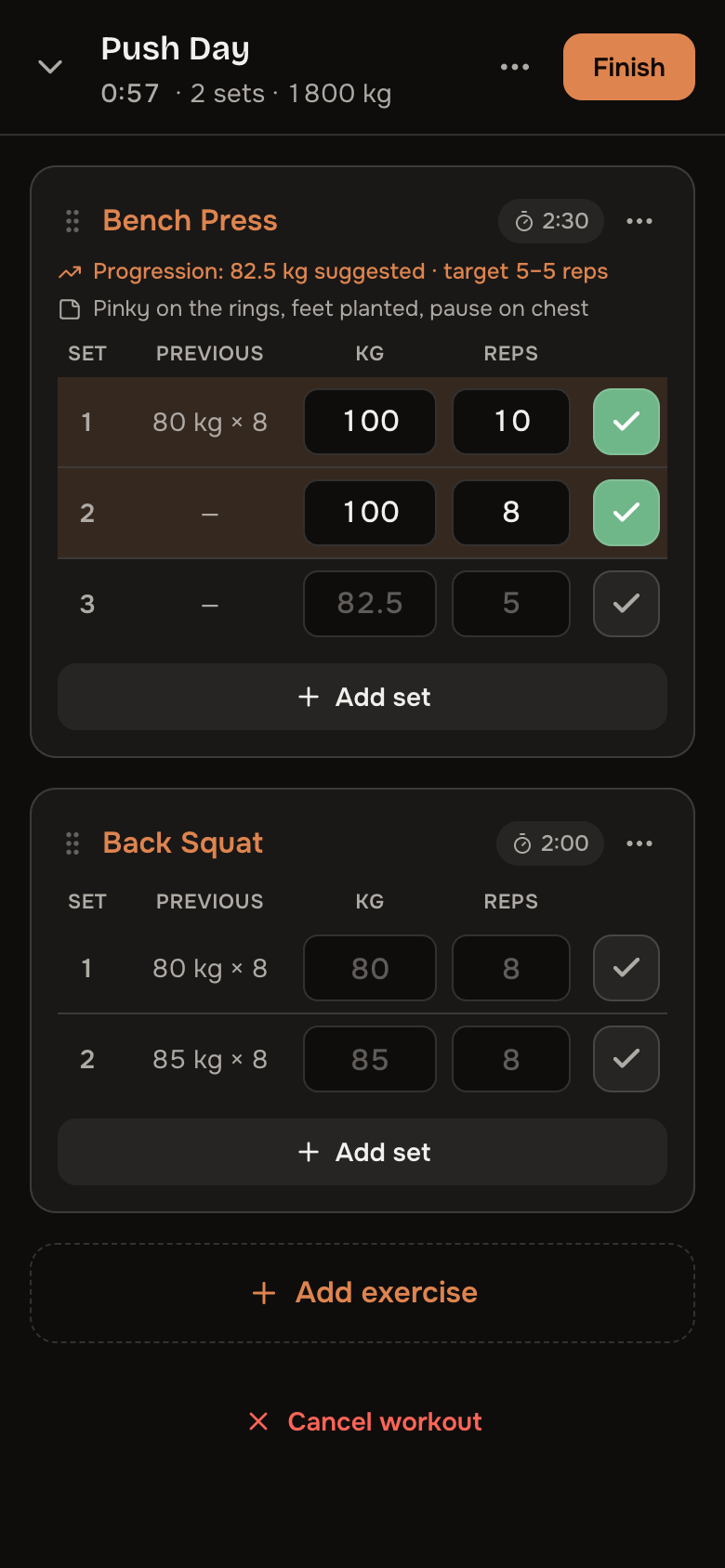
Ghosts
Every set row shows what you did last time — 40 kg × 12 in faint text. It is tap-to-accept: matching last session is one touch, beating it is two. Ghosts come from the most recent finished workout containing that exercise.
Warm-up ramps
The exercise menu offers Add warm-up sets: roughly 40 / 60 / 80% of your target weight (the progression suggestion, or your top working weight), rounded to your plate step, at descending reps. Warm-up sets are marked W and are excluded from PRs, volume, and every statistic — the math never counts them.
Set types & RPE
Any set can be marked warm-up, drop set, or to failure. With Track RPE enabled in Settings, each set takes an optional 1–10 effort score — the fuel for the effort analytics. You do not need to tag everything: the last working set of each exercise is plenty.
Offline-tolerant
Set logging applies instantly and queues through gym dead zones, syncing when the connection returns. An indicator shows when you are running on the queue.
Editing history
Every workout stays fully editable afterwards — sets, exercises, even the date. Personal records recompute chronologically on every edit, so fixing an old typo can never leave a phantom PR behind.